

8 Best Free Transcription Tools in 2026

8 best free transcription tools in 2026
Looking for a free transcription tool to turn audio or video into text? There are several free tools on the market, each designed for slightly different use cases. Some are specifically designed for transcribing meetings, some are for content editing, while others are built as solutions for developers and those who are technically minded.
Free tools can be enough if you only transcribe occasionally. But if you’re working with audio files that require high accuracy and security, most free options start to show their limitations.
In some cases, tools with free trials offer a more practical alternative, allowing you to test a full-featured platform without making a long-term commitment.
In this guide, we’ll take a look at some of the best free transcription tools and free trials available today, how they work, and where their limitations lie, so you can find the right option for your needs.
Jump to:
- 1. Transcribe – best overall transcription tool for speed and accuracy (free trial)
- 2. Fireflies.ai – best free transcription tool for meetings and calls
- 3. Fathom – best for capturing and highlighting key moments from meetings
- 4. tl;dv – best for organising and sharing meeting notes across teams
- 5. Descript – best for editing audio and video with transcripts
- 6. YouTube – best free option for transcribing video content
- 7. OpenAI Whisper – best for developers and advanced users
- 8. oTranscribe – best for manual transcription
1. Transcribe – best overall transcription tool for speed and accuracy (free trial)

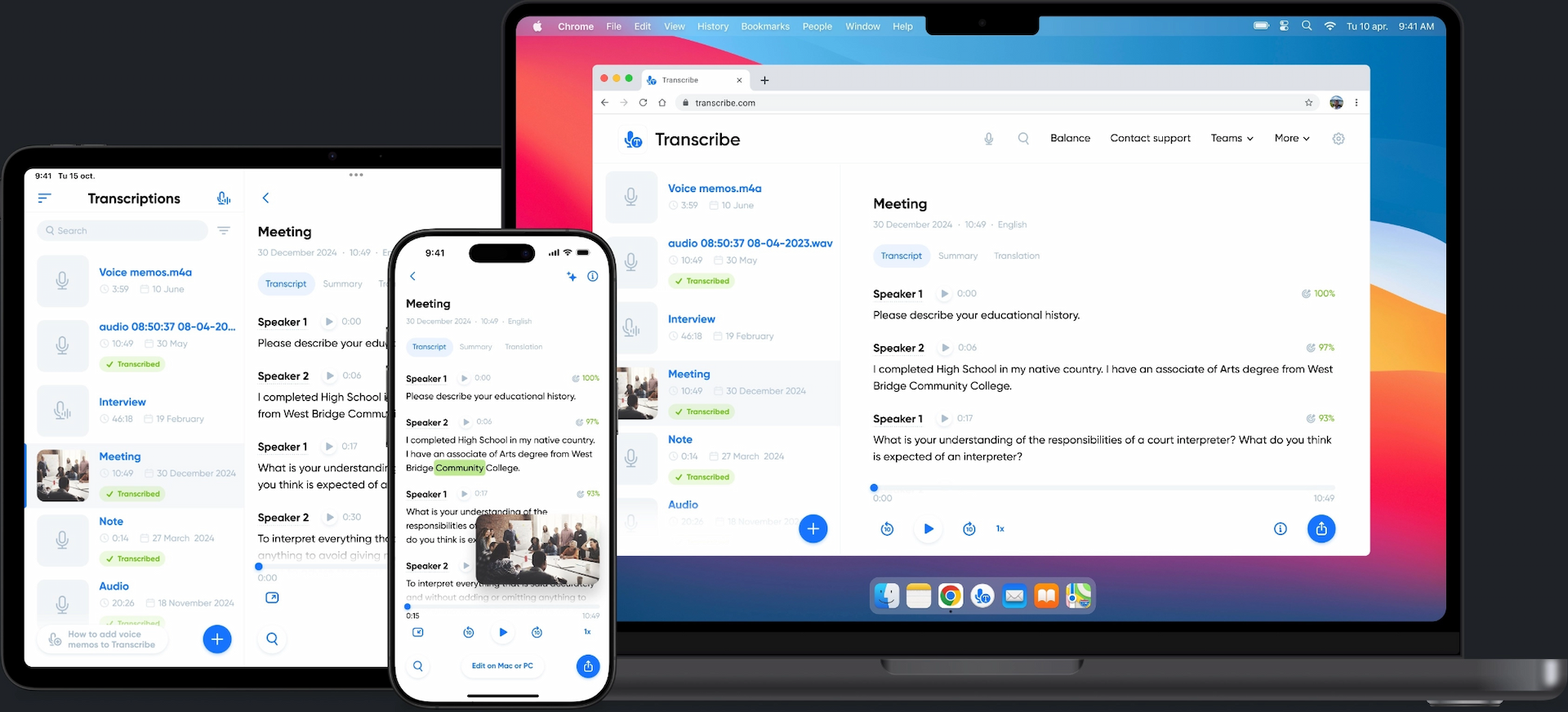
Need to turn audio or video into text quickly? Transcribe turns meetings, interviews, podcasts and lectures into clean, accurate transcripts in a matter of minutes – if not seconds. Just upload your file, and Transcribe handles the rest.
Unlike many free transcription tools, which are limited to specific use cases or require manual effort, Transcribe is designed to work with a wide range of audio and video files, making it a flexible option for journalists, researchers, students, and content creators alike.
Transcribe offers 30 minutes of free transcription time to get you started, so if your file is on the shorter side, you may not need to pay anything at all.
Once you've used this time up, you can continue with pay-as-you-go pricing at $5/hour, or save more by buying 10 hours for $30.
2. Fireflies.ai – best free transcription tool for meetings and calls

Image source: Fireflies
Fireflies.ai is designed to record, transcribe, and summarise meetings across platforms like Zoom, Teams and Google Meet. It’s a popular choice for teams that want automatic notes and searchable transcripts without manual effort.
However, it’s primarily built for live meetings. If you need to transcribe interviews, podcasts, or recordings outside of a meeting environment, its functionality can feel limited.
Discover the best Fireflies alternatives.
3. Fathom – best for capturing and highlighting key moments from meetings

Image source: Fathom
Fathom is designed to record, transcribe, and summarise meetings, with a particular focus on capturing key moments and highlights. It integrates seamlessly with platforms like Zoom and Google Meet, making it a strong option for teams that want automatic meeting notes.
Like Fireflies, it’s built specifically around live meetings rather than standalone audio or video files. This makes it less suitable for transcribing interviews, podcasts, or pre-recorded content outside of a meeting environment.
4. tl;dv – best for organising and sharing meeting notes across teams

Image source: tl;dv
tl;dv focuses on recording, transcribing, and organising meeting conversations, with features designed for sharing notes and collaborating across teams. It works well with platforms like Zoom, Teams, and Google Meet, making it a useful tool for documenting internal discussions.
Like Fireflies and Fathom, it’s not primarily designed for uploading and transcribing standalone audio or video files. As a result, it can feel limited if you need a more flexible transcription tool for interviews, podcasts, or other recordings.
5. Descript – best for editing audio and video with transcripts

Image source: Descript
Descript combines transcription with audio and video editing, allowing you to edit your recordings by simply editing the text. It’s a popular choice for podcasters and content creators who want to streamline their editing workflow and produce polished content in one place.
However, transcription isn’t its primary focus. The platform is built around editing and production, so it can feel a bit more complex than necessary if you just need a quick, straightforward transcript. Its free plan is also limited, so it’s better suited to ongoing content creation than occasional transcription tasks.
Discover the Best Descript Alternatives.
6. YouTube – best free option for transcribing video content
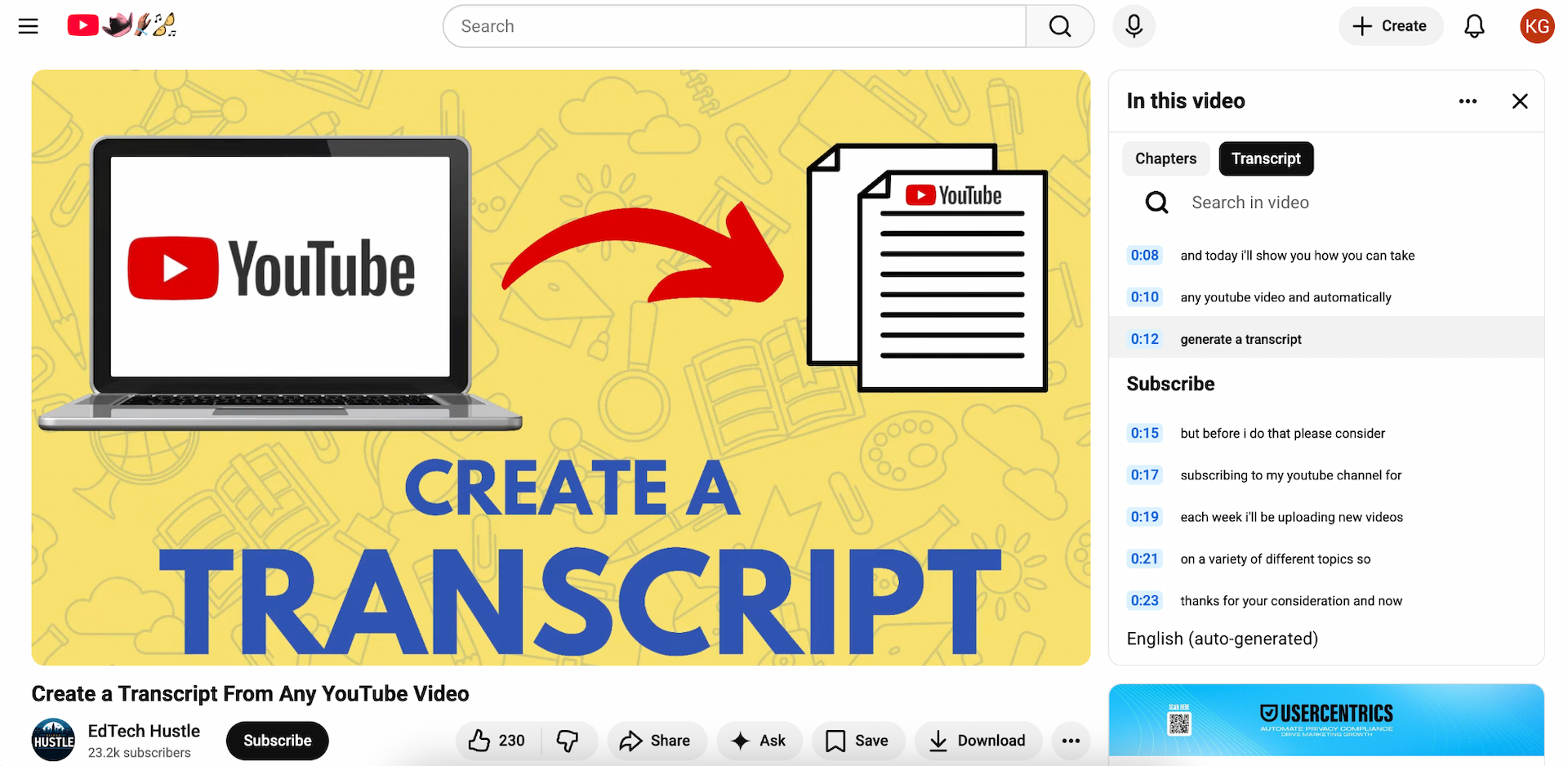
Image source: YouTube
YouTube offers automatic captions for videos uploaded to the platform, making it a quick and accessible way to generate a rough transcript for video content. If you’re already publishing on YouTube, this can be a convenient, completely free way to transcribe YouTube videos with no additional tools required.
However, it’s not a dedicated transcription tool. You’ll need to upload your video first, and accuracy can vary depending on audio quality, accents, and background noise. It’s also limited to video content, which makes it less practical if you need to transcribe audio files without an accompanying video.
7. OpenAI Whisper – best for developers and advanced users
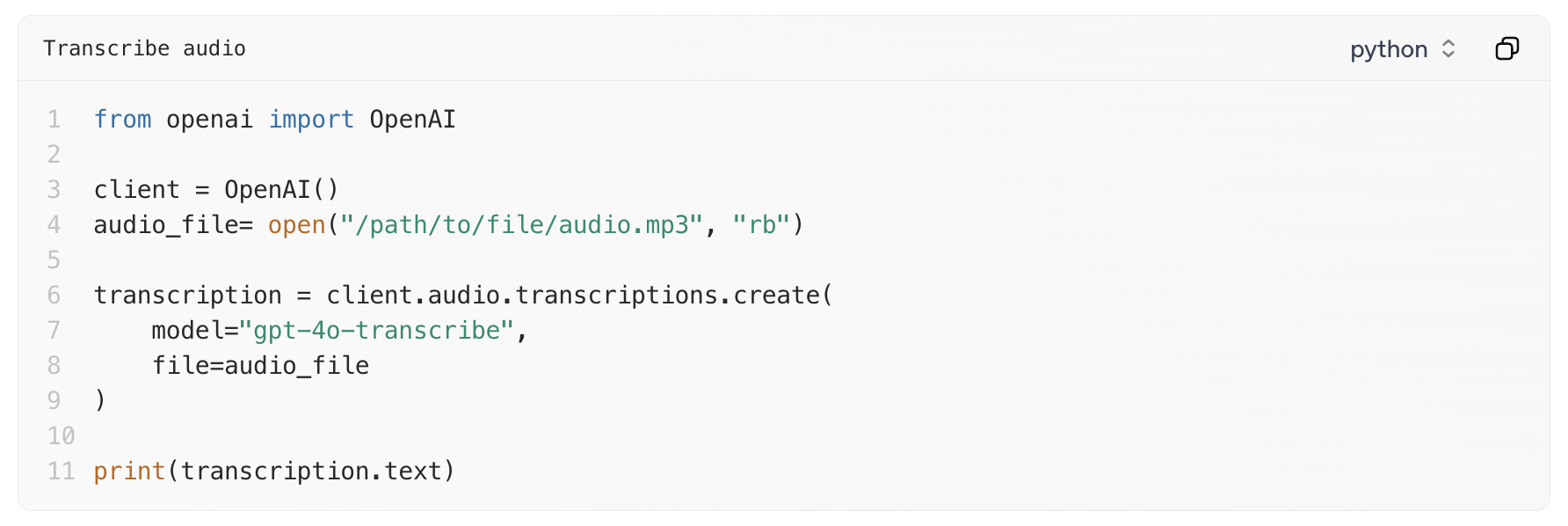
Image source: OpenAI
Whisper is an open-source speech recognition model developed by OpenAI. It’s widely used by developers and has been integrated into a range of transcription tools and apps – including Transcribe.
The downside is that Whisper itself isn’t a ready-to-use transcription platform. To use it directly, you’ll typically need to install software, run it locally, or access it via third-party tools. This makes it a powerful option for technical users, but less practical if you’re looking for an easy way to transcribe audio or video files.
8. oTranscribe – best for manual transcription
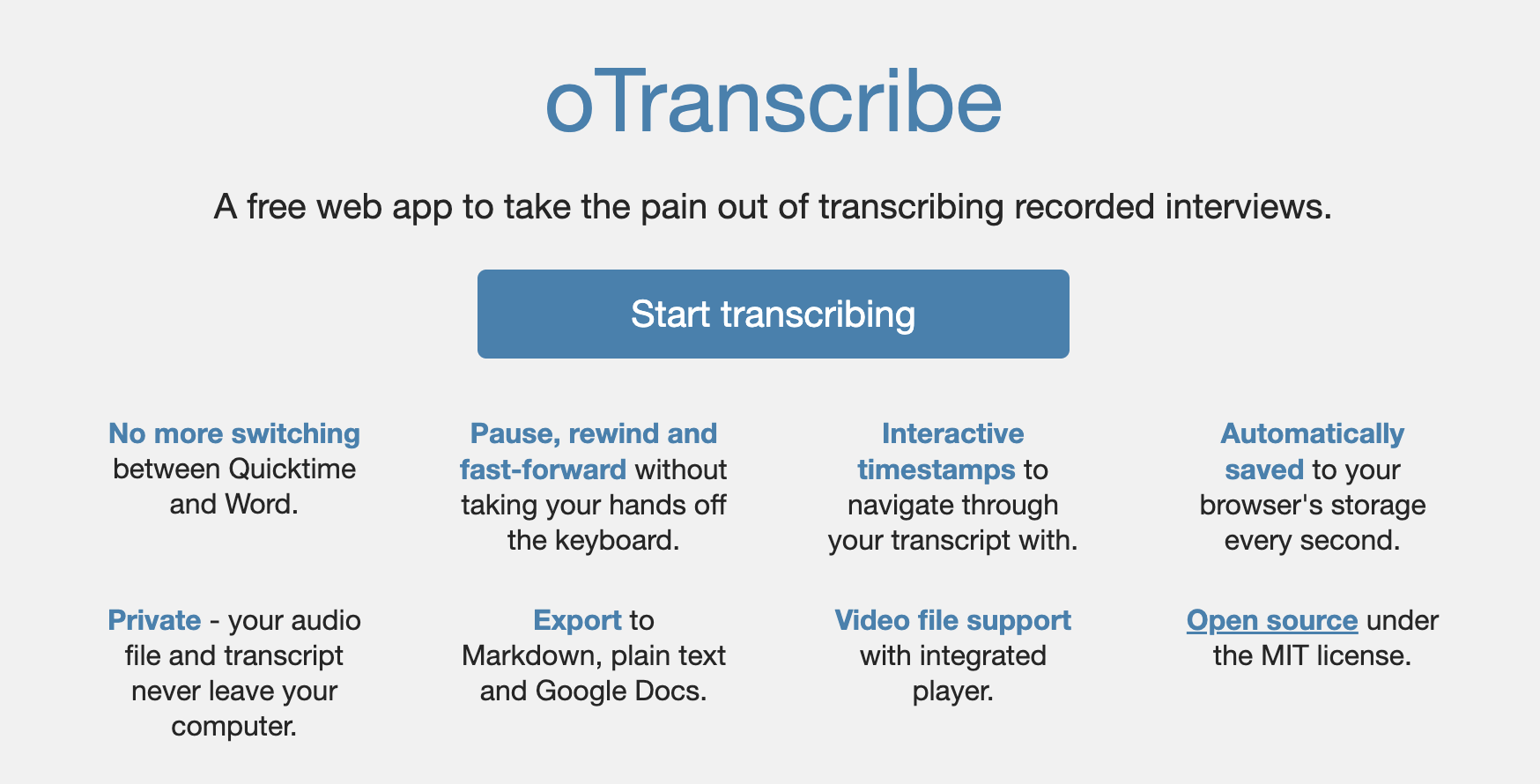
Image source: oTranscribe
oTranscribe is a free, open-source tool designed to make manual transcription easier. It has a simple interface where you can play audio and type your transcript in the same window, with handy keyboard shortcuts to control playback as you work.
It’s great for manual transcription tasks, but it doesn’t offer anything in the way of AI-powered transcription. Everything has to be typed out manually, which can be time-consuming for longer recordings. While it’s a useful option if you prefer full control over your transcripts, it’s not the most efficient choice if you need to transcribe audio or video quickly.
Final thoughts
Free transcription tools can be a useful starting point, especially if you only need to transcribe short recordings or specific types of content. However, limitations quickly become noticeable if you’re working with longer recordings, different file types, or need consistently accurate results.
If you’re looking for a more flexible and reliable solution, Transcribe is a practical choice. It works with a wide range of audio and video files, as well as live recordings, and it offers a generous free trial so you can see whether it’s the right fit for your needs.
Ready to give it a go? Download the Transcribe app or launch the online editor to try Transcribe for free.