

How to Analyze Interviews and Find the Best Story Angle with AI

How journalists can use AI to analyze interviews and find the best angle
When you're working under pressure and to tight deadlines, reviewing interviews and finding a strong angle for every story quickly becomes overwhelming. Listening back to raw audio and video is particularly slow, manual note-taking is time-consuming and prone to human error, and the critical thinking required to spot themes and hooks only adds to the workload.
AI can help with all of the above.
By pairing Transcribe with Claude, journalists can turn lengthy interview recordings into clear structured insights and surface key themes, sentiment, important quotes, and potential story angles and headlines.
Here's how journalists can analyze interviews and find the best angle using Claude and Transcribe.
Jump to:
Step 1: Upload your interview to Transcribe
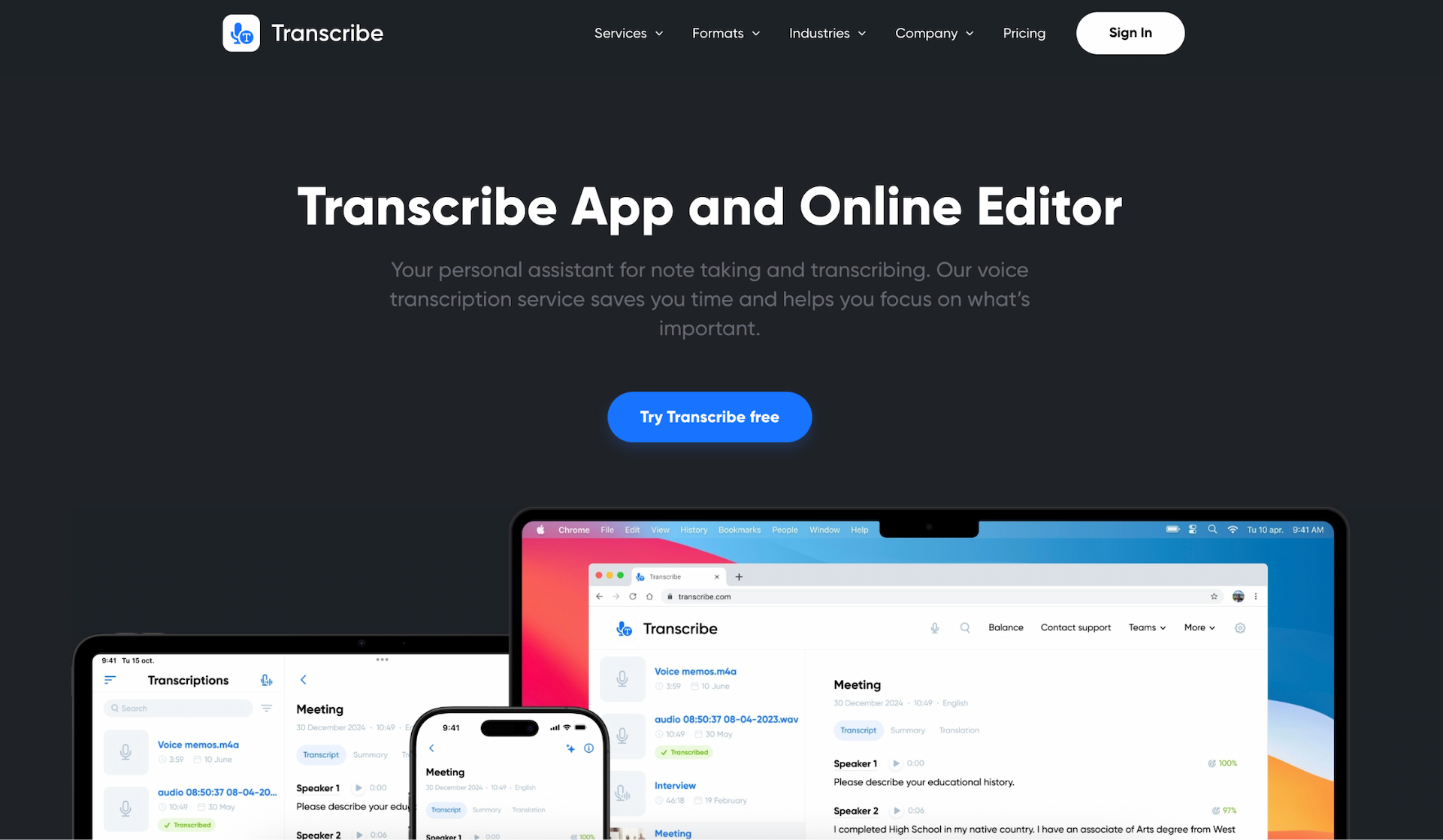
Start by converting your interview recordings into text using a transcription service like Transcribe. Simply upload your audio or video file, and Transcribe will generate a clear, accurate transcript in minutes, complete with speaker labels and timestamps. This makes long interviews far easier to review and analyze, especially when multiple speakers are involved.
For an even smoother workflow, you can integrate Claude directly with Transcribe so that transcription and analysis happen in one place.
For detailed instructions, check out our guides on how to transcribe an interview and how to set up Transcribe MCP integration.

Step 2: Clean up the transcript
Before turning to Claude for analysis, it's worth doing a quick quality check to ensure your transcript is accurate, well-formatted, and easy for an LLM to understand. A clean transcript leads to sharper insights and more reliable story angles.
Here's what to do:
-
Proofread - Double-check accuracy, especially names, technical terms, and nuanced phrases, since small errors can affect Claude's interpretation or lead to misleading summaries.
-
Fix speaker labels - Make sure speakers are labeled consistently, such as "INTERVIEWER", "SPOKESPERSON", and "WITNESS", etc. This helps Claude identify who said what, spot contradictions, and understand the flow of the conversation.
-
Add context where needed - Briefly clarify unclear moments, acronyms, or references (e.g. "DOE refers to the Department of Education"). This gives Claude the background it needs to interpret answers correctly and produce more grounded analysis.
Check out our guide for more tips on editing a transcript.
Step 3: Send the transcript to Claude for analysis
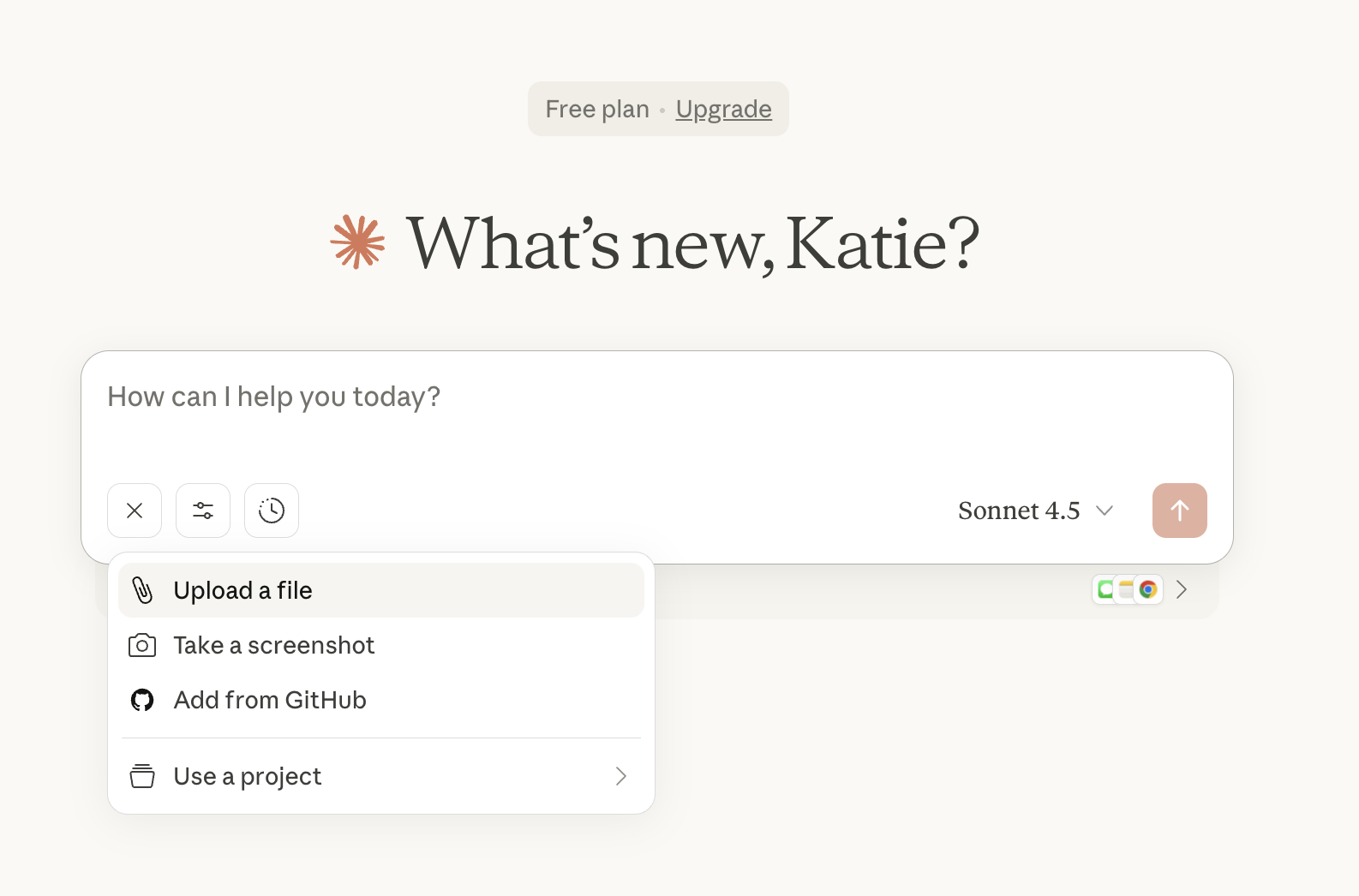
If you're using MCP integration, your interview transcript will appear directly inside Claude, ready for analysis. If not, you can simply copy and paste the transcript or manually upload the file.
Either way, Claude can now "see" your interview and start analyzing it using natural language prompts. More on that in the next step.
Step 4: Ask Claude to analyze the interview
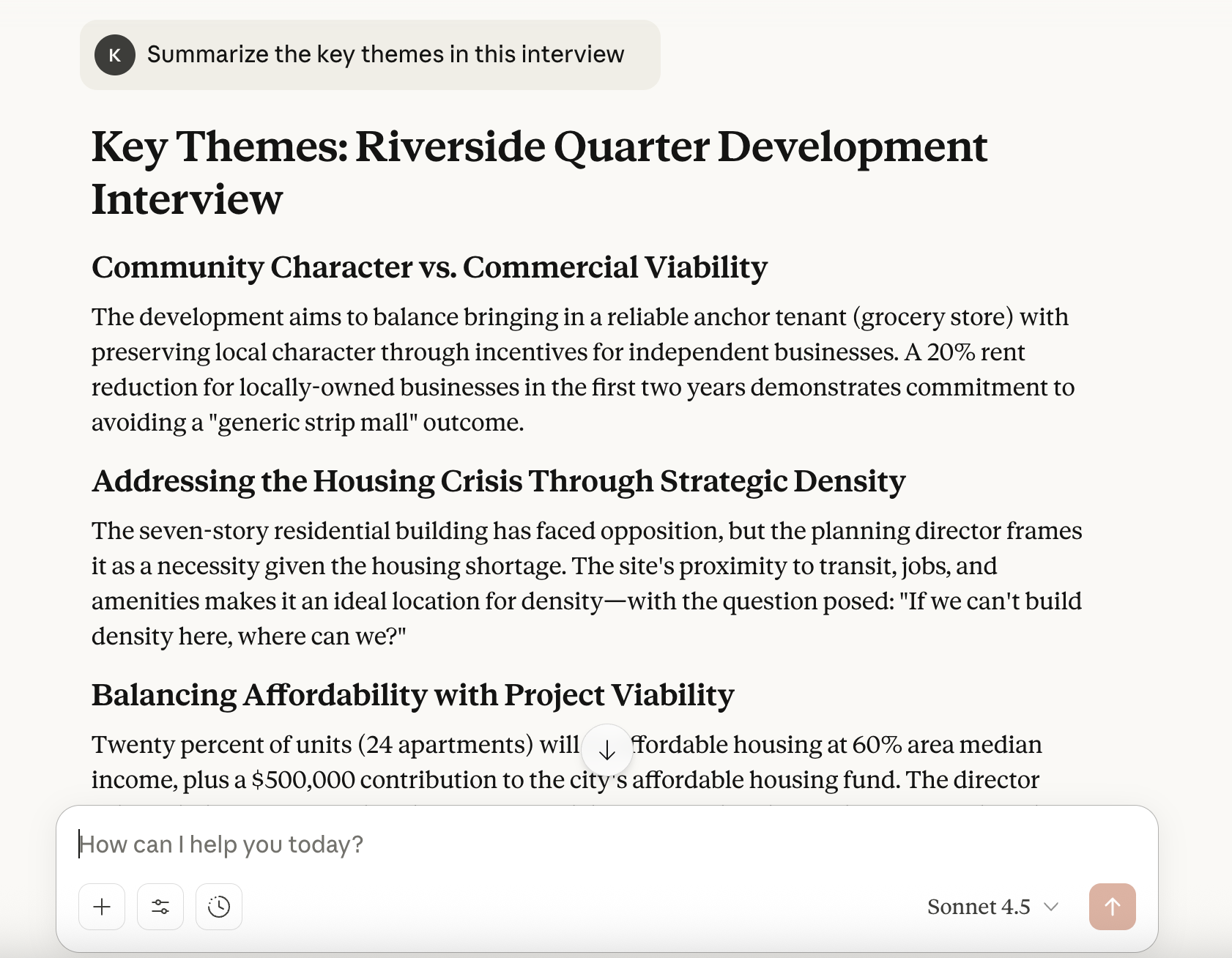
Before you look for hooks, it helps to get a broad read on the interview. Claude can quickly surface the main themes, tone, sentiment shifts, contradictions, and key moments, giving you a clearer sense of what the interview is really about.
To get the best possible results from Claude, the trick is to write clear, practical prompts that guide its analysis.
Try using prompts like:
-
"Summarize the key themes in this interview."
-
"Identify the main points, arguments, and claims made by the interviewee."
-
"Highlight any contradictions or claims that need verification."
-
"What parts of the interview feel most emotionally charged or revealing?"
-
"Identify any recurring issues, frustrations, or motivations expressed."
This gives you a structured starting point, so that when you move to the next step, Claude's hook suggestions are stronger, more accurate, and more aligned with your publication's goals.
Step 5: Ask Claude for story hooks
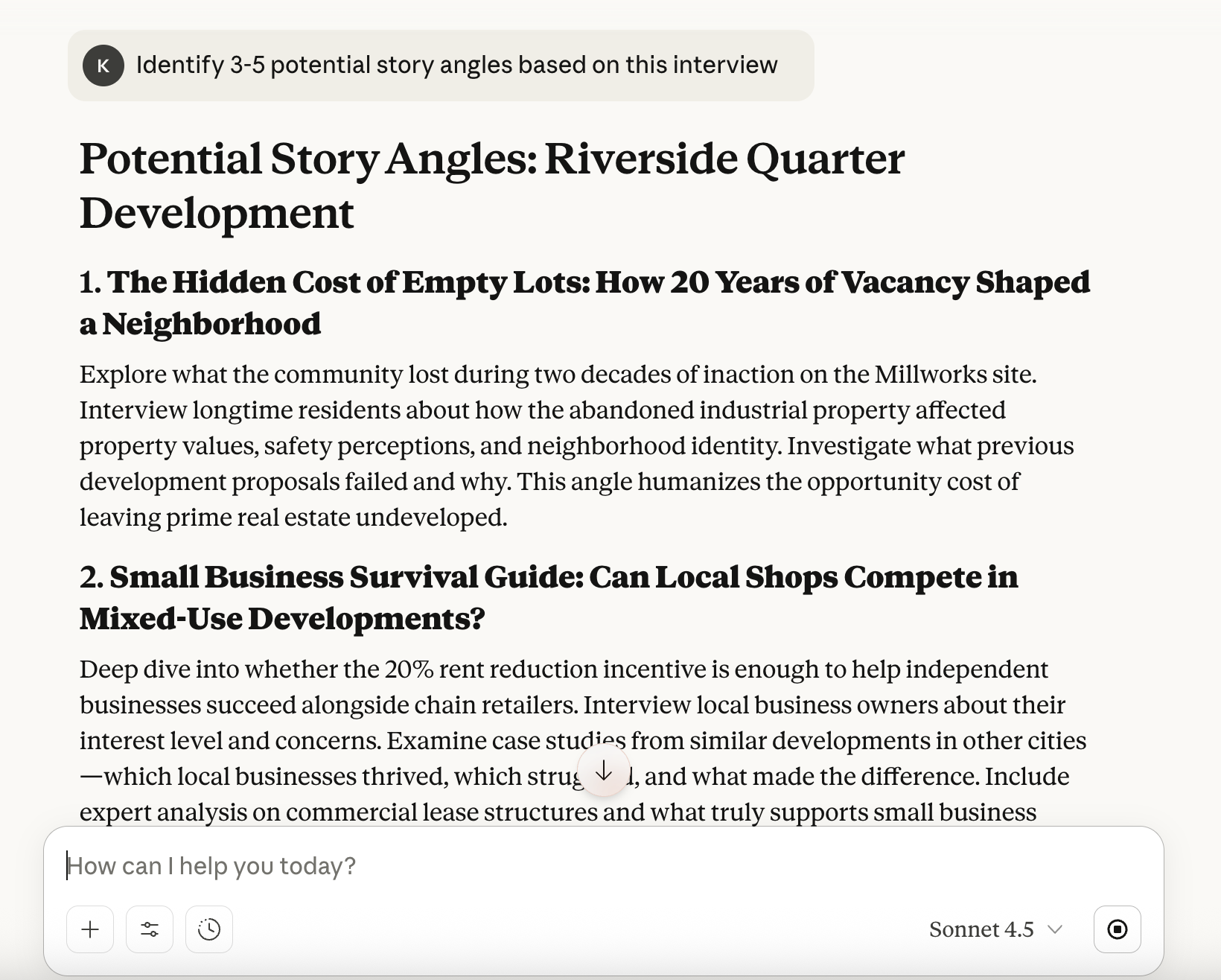
Now it's time for the exciting part: uncovering the best angles for your article. Ask Claude to scan your transcript and pinpoint the narrative threads that are most likely to resonate with readers.
Here are some examples of effective prompts:
-
"Identify 3-5 potential story angles based on this interview."
-
"What is the most compelling or unexpected angle in this conversation?"
-
"Highlight any contradictions, surprises, or points of tension that could form a strong story hook."
-
"Which moments feel emotionally resonant or revealing, and how could they shape an angle?"
-
"Suggest headline ideas based on the strongest angle in this transcript."
Step 6: Extract the best quotes
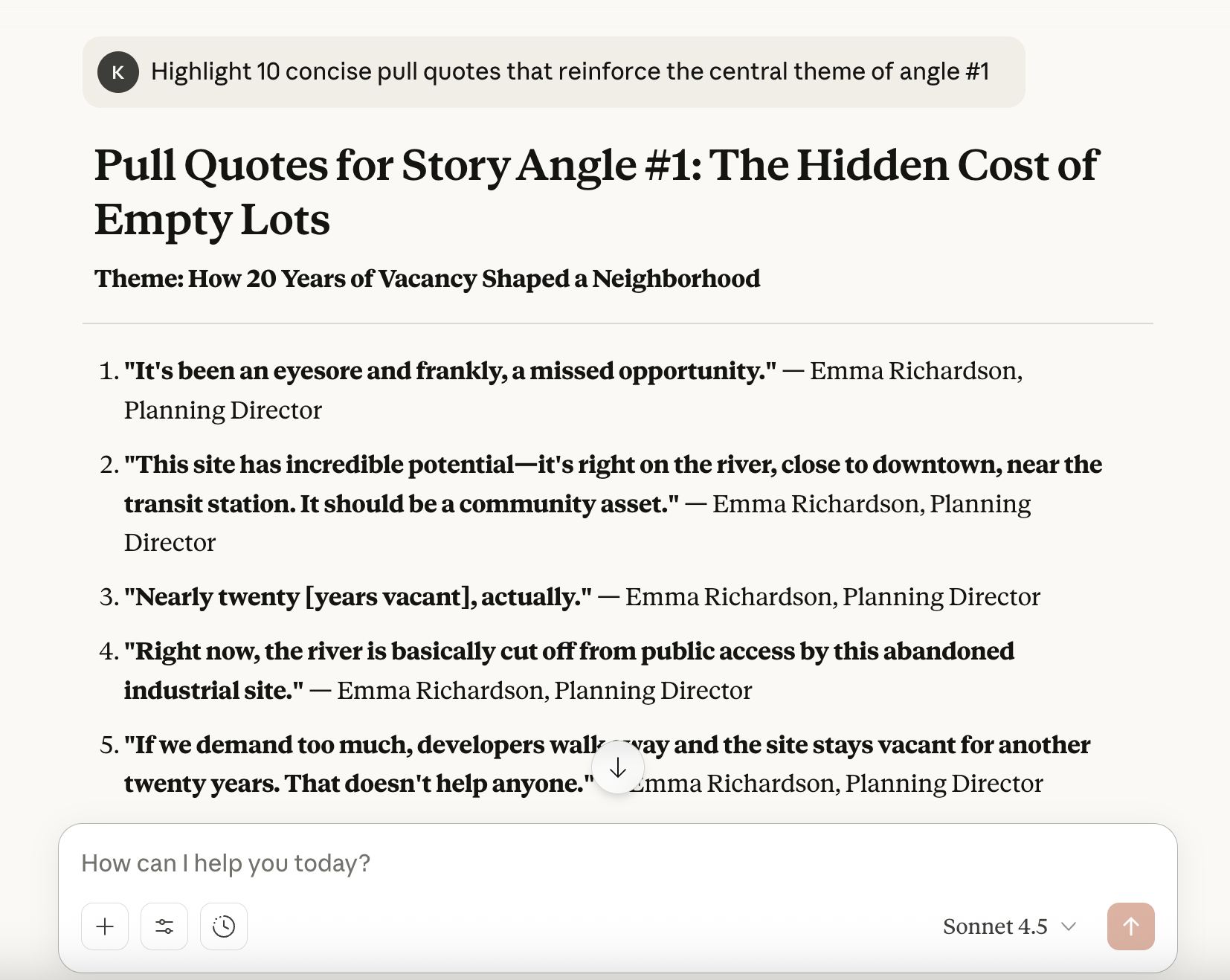
Once you've chosen your angle, the next step is gathering the quotes that will bring your story to life. Claude can scan the full transcript and surface the most relevant, compelling quotes.
Try prompts like:
-
"Find the strongest quotes that support angle #2."
-
"Highlight 10 concise pull quotes that reinforce the central theme."
-
"Show me the interviewee's most revealing or emotionally charged statements."
-
"Identify quotes that challenge or contradict the main narrative."
-
"Extract the best quotes that could be used as standfirsts, intros, or subheads."
Step 7: Build your story structure
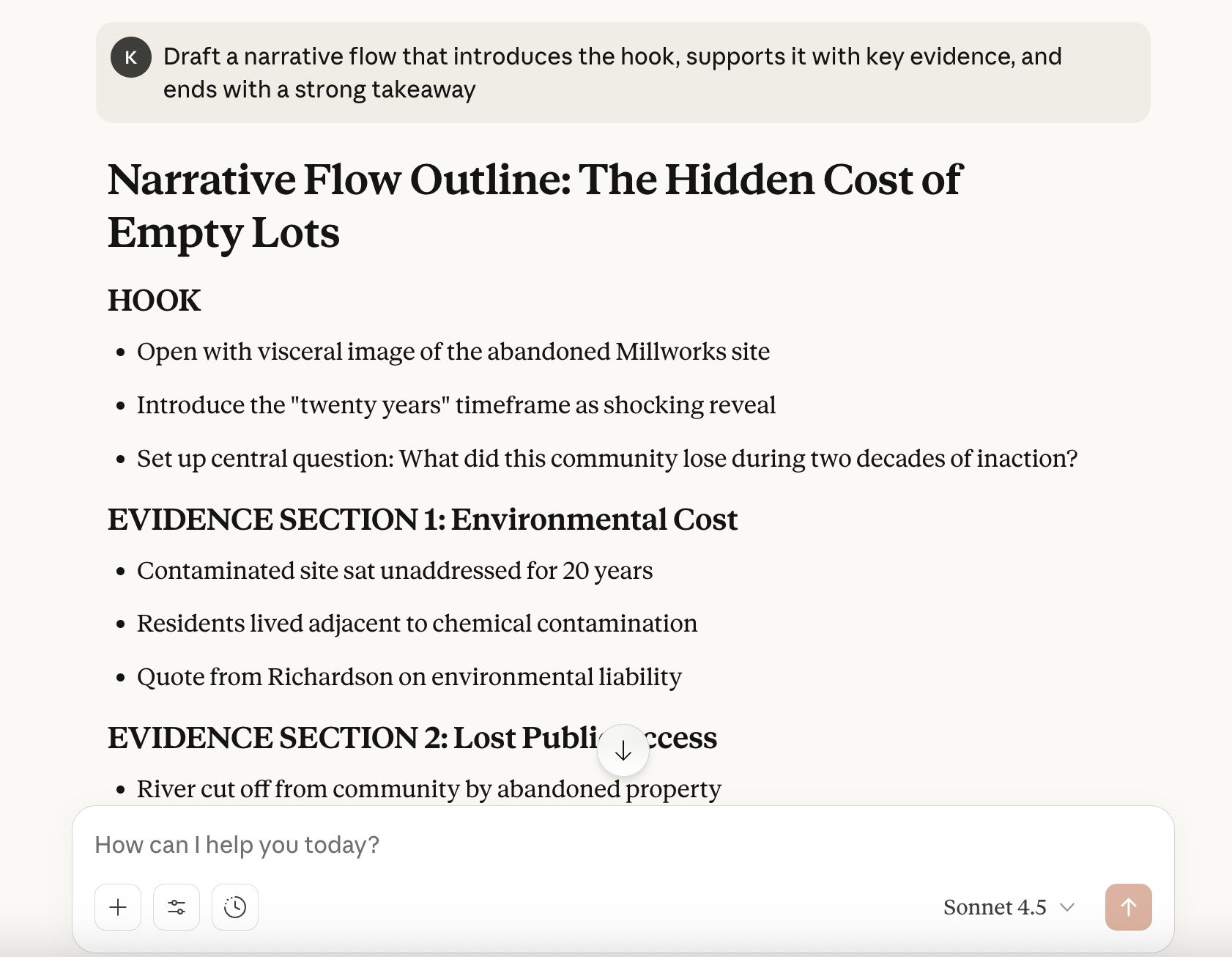
With your angle selected and your strongest quotes identified, the final step is shaping the interview into a clear, compelling story. Claude can help you turn raw material into a structured outline - without taking away your editorial judgment.
Use prompts that anchor the structure to your chosen angle, not the transcript as a whole. This ensures the outline stays focused and avoids drifting into a general summary.
Here are some useful prompts:
-
"Create a clear story outline based on angle #1."
-
"Structure this article around the central theme, including suggested subheadings."
-
"Draft a narrative flow that introduces the hook, supports it with key evidence, and ends with a strong takeaway."
-
"Organize the strongest quotes into a logical sequence for this story angle."
-
"Suggest possible intros or opening paragraphs based on the hook."
Once that's done, all that's left to do is to write it!
Final thoughts
As a journalist, you don't want AI to replace your creativity or write your stories for you. After all, your voice, judgment, and editorial instincts are what make your work compelling.
But AI can take the pressure off by handling the more time-consuming parts of the process: transcribing interviews, finding angles, pulling out the strongest quotes, and building the story structure. When deadlines are tight and your workload is heavy, tools like Transcribe and Claude can help you work faster without compromising your craft.
Explore more of the best AI tools for journalists and discover the best automation tools for journalists.